Some things, once you know them, you will never be “fooled” by them a second time.
cheat on me?
I remember the first time I tried to download a whitepaper from a security vendor’s website, and a form popped up: “Please fill in your name, phone number, email, and company name before downloading.”

I did as asked, even going so far as to use a throwaway email address.
I clicked “Submit”, the button changed to “Click to download”.
PDF started downloading automatically.

But something still felt off to me.
Was this “submission” really necessary?
Could it be—
the download link had been there all along,
hidden by nothing more than a few front-end tricks?
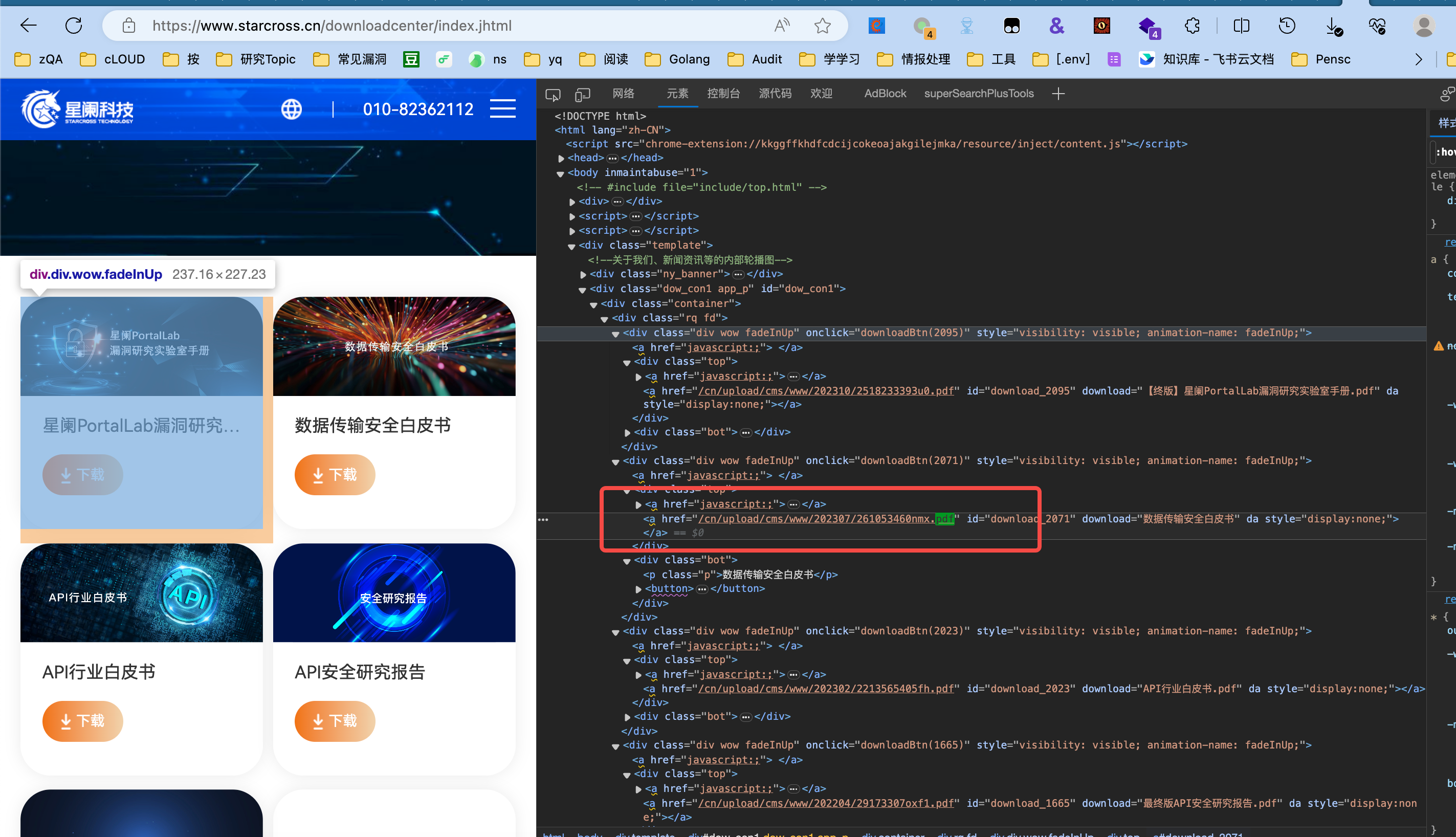
Opened F12, searched for .pdf.
Sure enough, the link was right there in the HTML,
sometimes even written directly as an <a href=... download>.
This instantly made me realize that many “restrictions” on web pages are really just front-end visual design. In other words, they are “a show put on for the user”.
go further
At its core, this gave me a practical, general-purpose routine:
When you encounter prompts on a web page like “register to download the material” or “fill out this survey to unlock such-and-such document”, start investigating first
- Press F12 to open the developer tools (or Ctrl+Shift+C to activate the element picker);
- In the Elements or Sources tab, search for keywords like
**.pdf**,**.docx**,**.xls**; - Often you will see the download link directly (sometimes it’s a full URL, sometimes it may be hidden in JS);
- Copy the link, download it directly, write a regex for it, and you can even process them in bulk!
Copy it down,
download it directly,
all in one smooth motion.
scale up
Can this idea be pushed further? For example:
- Is there a way to automatically identify all resource links in a web page for me?
- Could I skip opening F12 and manually searching, and instead get automatically notified that “a document download link was found on this page”?
Of course.
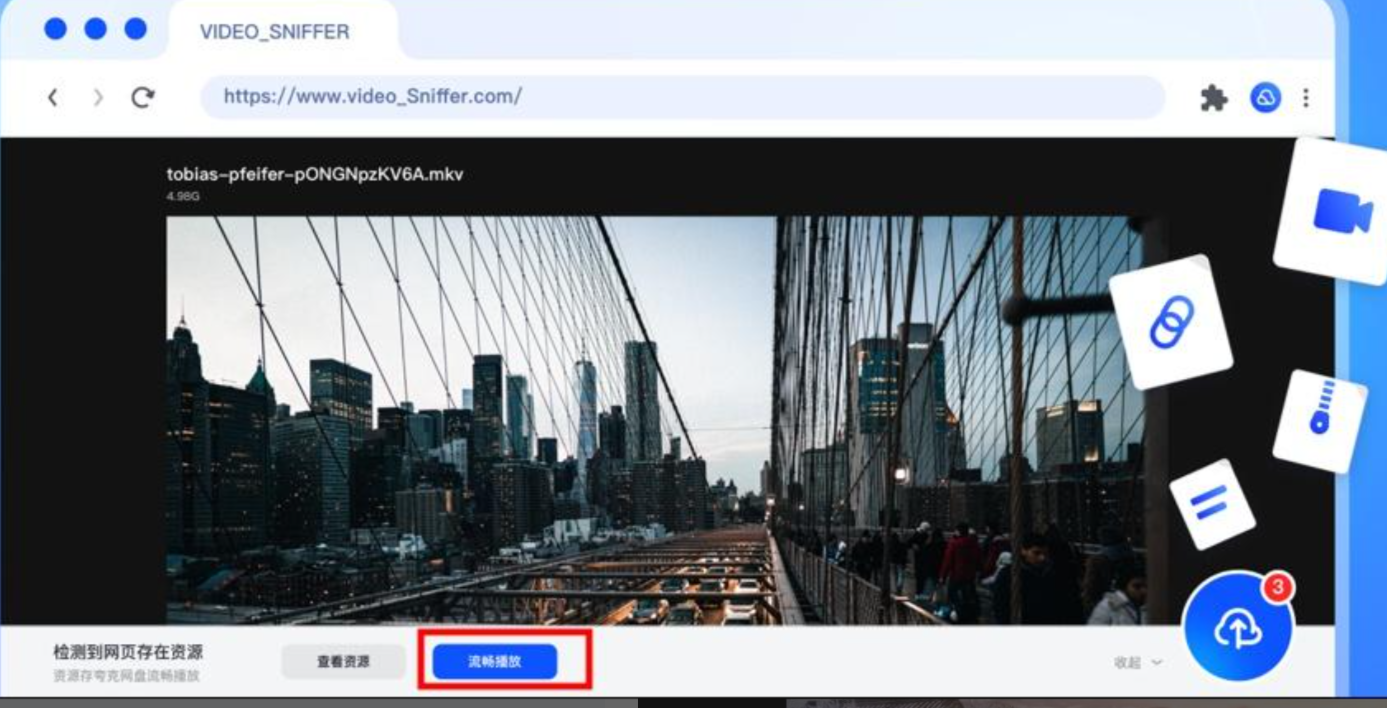
Have you used Quark Browser on your phone?
It has a “resource sniffing” feature that automatically identifies audio, video, and file resources in a page and downloads them with one click.
The logic behind it is simply scanning all URLs loaded by the page and filtering them by file extension.
On PC, we can write our own Tampermonkey script, or use an existing Chrome extension, to implement similar sniffing functionality.
The general idea: listen to network requests, scan the DOM, match keywords, capture valuable resource URLs, and then surface them to the user.
nothing happens, except tips
That said, for me personally, this kind of need is too rare to justify spending time building an extension.
But this mindset—“first check whether the page is hiding any links”—has stayed with me.
You will find that even in the most superficial layer of the information age—the medium of the “web page”—there are still many “hidden doors” left for those willing to make one extra move and look at the source code once.
It’s just that most of the time, we are used to following the path the page hands us, and forget that we can find our own way too.