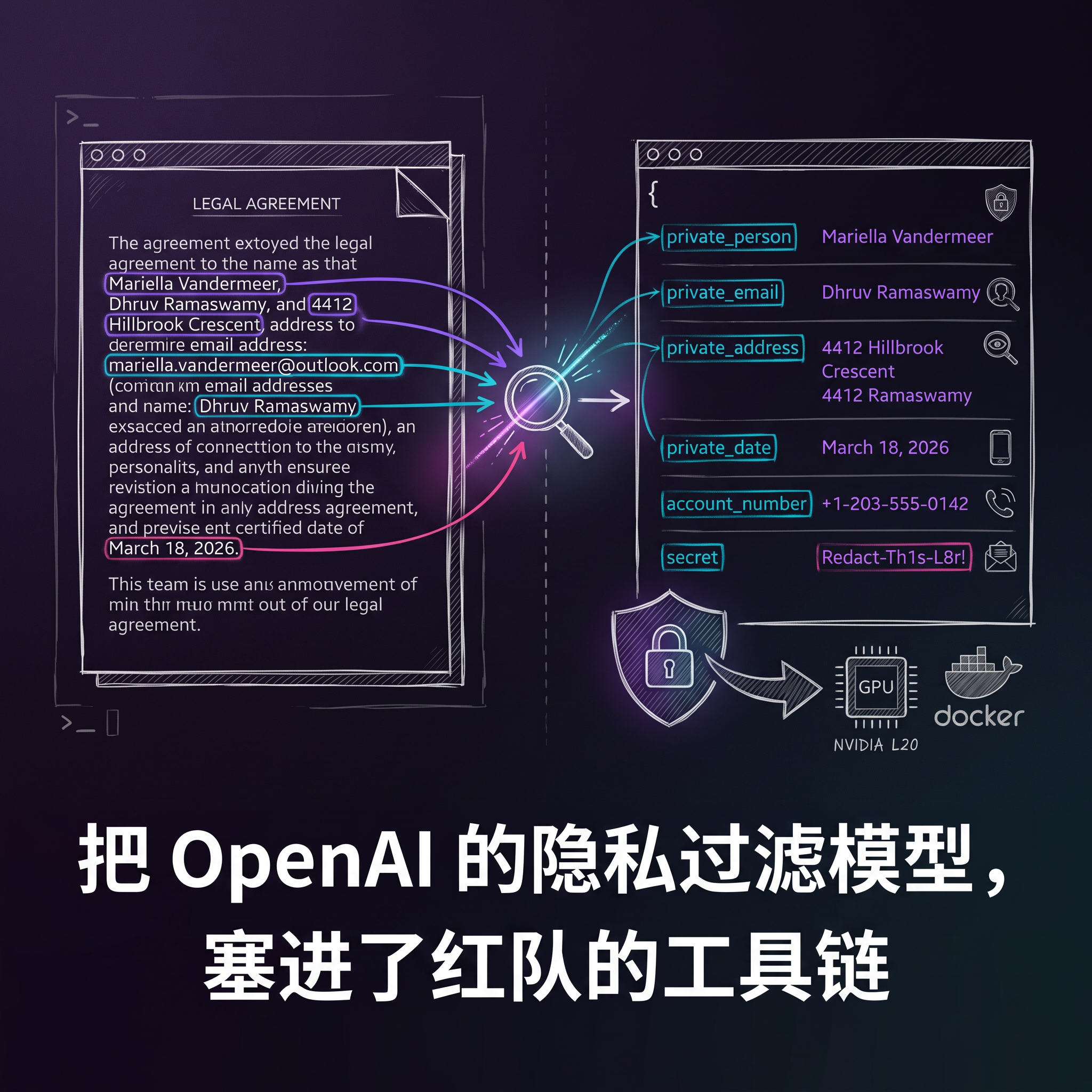
Red team security tooling — rebuilding OpenAI’s Privacy Filter into an HTTP gateway for structured PII
extraction
OpenAI open-sourced a small model called Privacy Filter that can identify PII such as names, emails, phone numbers, and addresses from unstructured text.
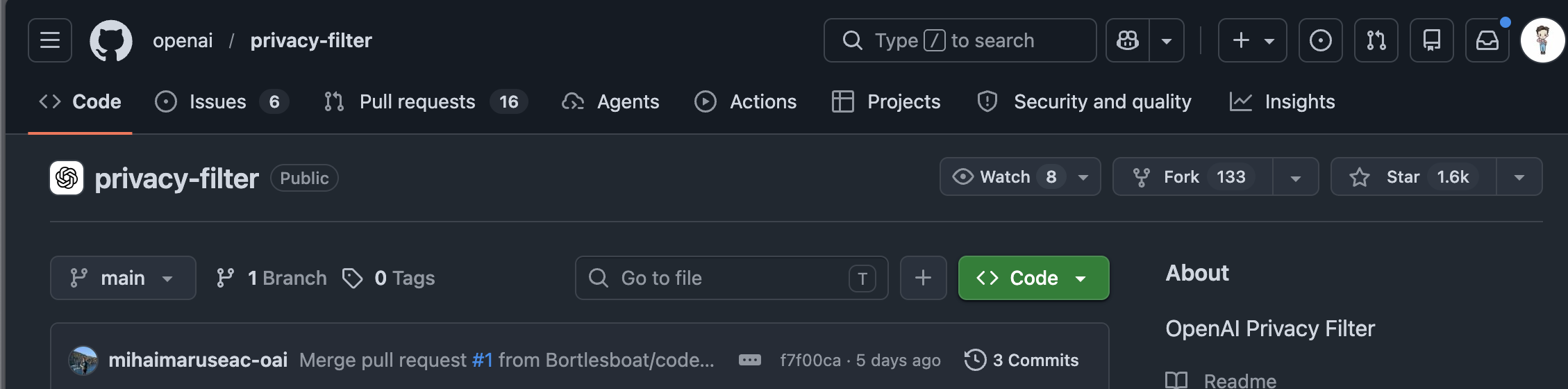
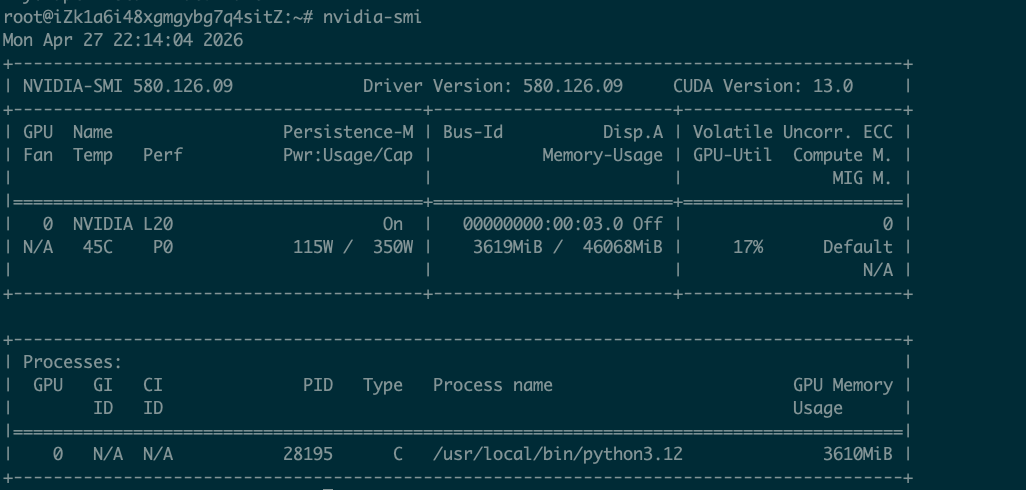
I spent one evening turning it into an HTTP gateway service, running on an NVIDIA L20, with dual-process inference peaking at 81 RPS and GPU utilization pushed to 98%.
This post documents the entire research process: from the original project to a production-grade gateway, what pitfalls I hit along the way, and where the final performance ceiling lies.
Although someone on X has already run a version, I believe our version is better — not only because we maxed out the Codex window, but also because the reference project was optimized.

Why a PII Gateway Is Needed
When red teams run LLM security assessments, they often run into one problem: test cases carry large amounts of real PII. Either business data accidentally slips into prompts, or model output leaks private information from training data. OpenAI’s privacy-filter can already do PII redaction on its own — you feed in a piece of text, and it outputs names, emails, and phone numbers replaced with placeholders like <PRIVATE_PERSON>. If all you need is a gateway-level check that scrubs sensitive information before letting traffic through, the official project works as-is.
But the red team scenario doesn’t need “mask it for me” — it needs telling me **where the PII is located. Specifically, we need an annotation capability:
Turning sensitive information in unstructured text into structured spans — each span carrying a category label, the original text fragment (text), and start/end offsets. Only with this structured data can you do downstream security analysis, classification and grading, and compliance auditing. Redaction is just the last step; annotation is the upstream.
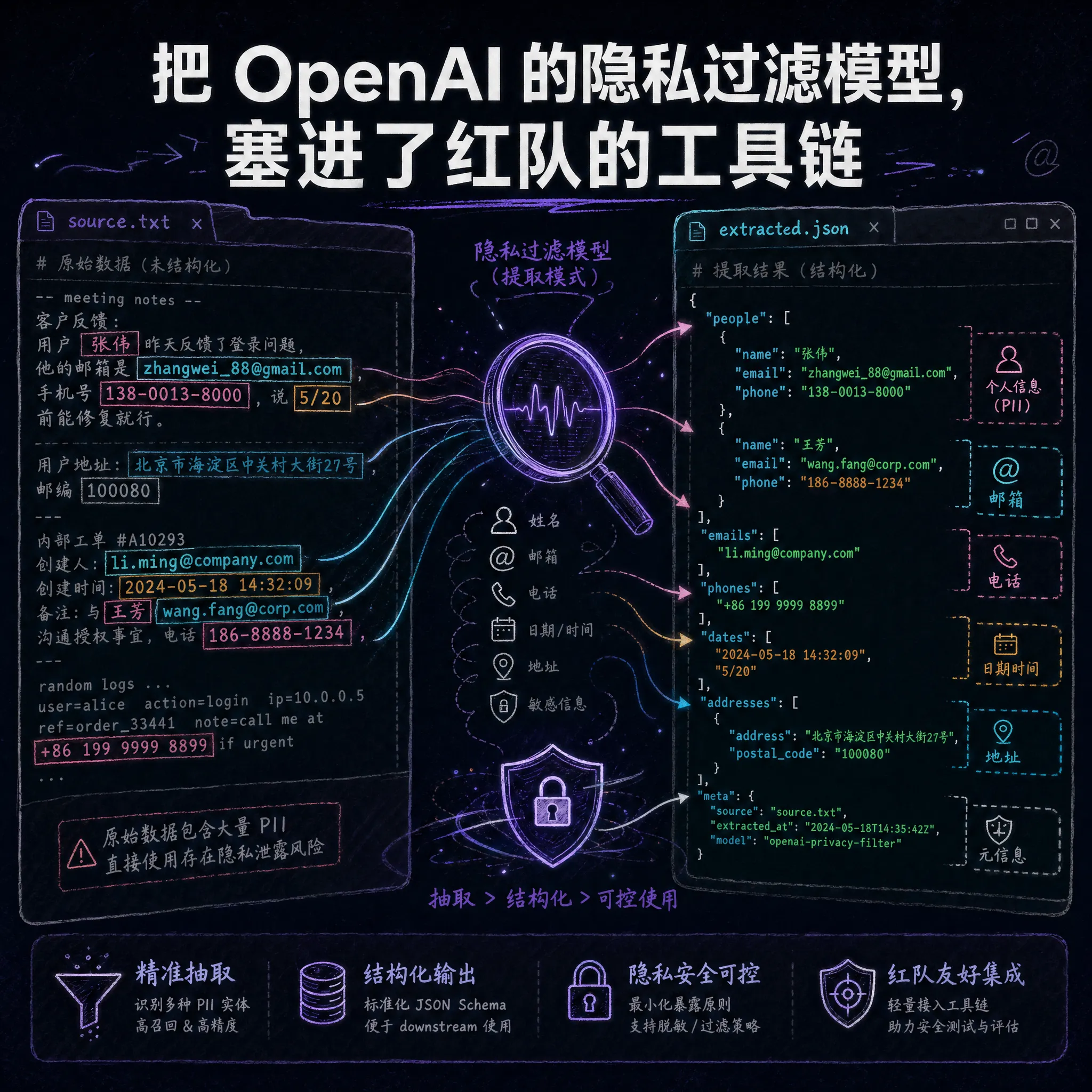
The original project lacks this capability. It’s a Python library that only exposes a /redact interface — no HTTP service, no concurrency handling.
So my goal was: on top of redaction, add an inference service oriented toward annotation and extraction, measure the real performance ceiling, and determine whether it’s production-ready.
From Python Library to HTTP Service
The core of the original project is a transformer-based sequence labeling model. You feed in a piece of text, and it outputs a privacy label for each token. The model itself is not large — on the order of tens of MB of parameters.
My modification approach was simple: keep the upstream runtime and model weights, and replace only the HTTP layer. Specifically, I did a few things:
- Extraction-first API: the original project only had
/redact(redaction); I added/extract(extraction), which directly returns structured spans — label + text + start offset + end offset. What red teams need is not “redact this for me” but “tell me which positions contain PII." - Hybrid post-processing: added label-aware merging (handling boundary issues for names and addresses), regex backstop (catching URLs, secrets, account numbers as a fallback), and punctuation trimming. Together this is called hybrid mode, and it pushed exact F1 from a baseline of 0.923 to 1.0000.
- Dockerized: built on top of the upstream image, without repackaging the model layer. Pull it with
docker pulland it just runs — no extra downloads needed on first startup.
Deployment commands:
# GPU mode
docker run -d \
  -p 8000:8000 \
  --gpus all \
  -e OPF_DEVICE=cuda \
  -e OPF_OUTPUT_MODE=typed \
  --name pii-span-extractor \
  ghcr.io/hi-unc1e/pii-span-extractor:latest
# CPU mode (for validation)
docker run -d \
  -p 8000:8000 \
  -e OPF_DEVICE=cpu \
  -e OPF_OUTPUT_MODE=typed \
  --name pii-span-extractor \
  ghcr.io/hi-unc1e/pii-span-extractor:latest
Extraction example:
curl -X POST http://localhost:8000/extract \
  -H "Content-Type: application/json" \
  -d '{
    "text": "My name is Alice Smith and my email is alice@example.com. Call me at 555-123-4567.",
    "include_text": true,
    "merge_adjacent": true,
    "merge_strategy": "label_aware",
    "enable_regex_backstop": true,
    "trim_punctuation": true
  }'
Response:
{
  "schema_version": 1,
  "extracted_spans": [
    {
      "label": "private_person",
      "start": 11,
      "end": 22,
      "text": "Alice Smith"
    },
    {
      "label": "private_email",
      "start": 39,
      "end": 56,
      "text": "alice@example.com"
    }
  ]
}
At this point the service runs. But between “runs” and “usable” there is still one key question: is the concurrent performance actually good enough?
Concurrency Stress Test: One Process Isn’t Enough, Two Is Just Right
The test environment was an NVIDIA L20 (46 GB VRAM) on Alibaba Cloud. This card costs a bit over a hundred RMB per day, making it pretty cost-effective for a production-grade GPU.
I wrote a stepped concurrency stress test script, ramping pressure from concurrency 1 up to 12, running each tier for 20 seconds, while sampling GPU utilization and VRAM with nvidia-smi.
Single-Worker Baseline
By default uvicorn starts only one worker process. Results:
| Concurrency | RPS | Avg Latency | P50 | GPU Utilization | VRAM |
|---|---|---|---|---|---|
| 1 | 62.9 | 15.9 ms | 16.0 ms | 39 % | 3.5 GB |
| 2 | 71.9 | 27.8 ms | 27.4 ms | 44 % | 3.7 GB |
| 4 | 60.4 | 66.2 ms | 66.1 ms | 40 % | 3.7 GB |
| 6 | 43.2 | 138.8 ms | 139.2 ms | 27 % | 3.7 GB |
| 12 | 38.2 | 313.6 ms | 313.6 ms | 29 % | 3.7 GB |
The peak was at concurrency 2, ~72 RPS. But GPU utilization topped out at just 44%, and only 3.7 GB of the 46 GB VRAM was used.
The GPU was nowhere near saturated. The bottleneck wasn’t compute — it was single-process inference scheduling: the GPU spent most of its time waiting for the CPU to feed it data.
Two Workers: GPU Utilization Pushed to 98%
The fix was straightforward: if one process can’t feed the GPU, run two. Add --workers 2 to uvicorn; the two processes each load a copy of the model (VRAM doubles to ~7.3 GB, which the L20’s 46 GB handles easily), share the same GPU, and get kernel-level parallel scheduling.
| Concurrency | RPS | Avg Latency | P50 | Peak GPU Utilization | VRAM |
|---|---|---|---|---|---|
| 2 | 75.4 | 26.5 ms | 26.5 ms | 82 % | 7.1 GB |
| 4 | 80.6 | 49.6 ms | 51.4 ms | 91 % | 7.2 GB |
| 6 | 66.8 | 89.7 ms | 99.0 ms | 98 % | 7.2 GB |
| 8 | 61.6 | 129.6 ms | 157.0 ms | 95 % | 7.2 GB |
| 12 | 54.9 | 217.9 ms | 293.4 ms | 97 % | 7.3 GB |
Compared to a single worker:
- Throughput rose from 72 RPS to 81 RPS (+12%)
- Peak GPU utilization climbed from 44% to 98%
- VRAM grew from 3.7 GB to 7.3 GB, entirely within the L20’s capacity
The optimal operating point is concurrency 4: 81 RPS, ~50 ms latency, 91% GPU utilization. For a PII detection scenario, 50 ms of added latency is perfectly acceptable.
A Pitfall I Hit: Triton Compilation
I hit a pitfall when starting GPU mode. The OPF model uses Triton to accelerate CUDA kernels, and Triton needs GCC to compile on first run. The original Dockerfile used --no-install-recommends, installing only gcc without libc6-dev, causing stdlib.h to be missing and compilation to fail.
The fix: install gcc and libc6-dev together in the Dockerfile. This issue doesn’t occur in CPU mode — it only triggers in GPU mode, so it’s easy to miss.
Hardware Selection: The L20 Is a Bit Wasteful
After finishing the stress test, one impression was clear: this model is too lightweight — running it on an L20 is a bit wasteful.
At full load, GPU utilization was only 50-65% on average, and only 16% of VRAM was used. The computational load of model inference is tiny; the bottleneck lies more in scheduling and data movement. For the PII gateway scenario:
- Entry-level GPUs like the L4 / A10G are sufficient, at lower cost
- The L20 suits scenarios that need to run multiple model instances simultaneously, or demand higher throughput
- Pure CPU can run it, suitable for low-frequency offline tasks, but throughput drops by an order of magnitude
If you just want to run red team test traffic through PII detection, a single L4 is plenty. Of the L20’s 46 GB VRAM, this model uses only a fraction.
Support for 8 PII Categories
Finally, here are the labels the model supports detecting:
private_person— namesprivate_email— emailsprivate_phone— phone numbersprivate_address— addressesprivate_url— URLsprivate_date— datesaccount_number— account numberssecret— keys, tokens, passwords
For red team scenarios, secret and account_number have the highest detection value — these two categories cover common sensitive information like API keys, access tokens, and bank card numbers, and they’re also the ones most easily overlooked in compliance audits.
So What
If you’re doing LLM security assessments or building an AI gateway, three things are worth doing:
- Add a PII detection layer on the outbound path. PII in model output is not a low-probability event, especially in RAG scenarios. The latency cost is ~50 ms; the payoff is avoiding a data breach incident.
- Don’t overestimate hardware requirements. This model can be fully utilized on an L4 — no A100 needed. Get the service running first, then decide whether to scale up based on actual throughput.
- Extraction is more useful than redaction. Red teams need to know “where the problems are,” not “mask the problems for me.” Structured span output is better suited for downstream analysis than replacing things with
<PRIVATE_PERSON>.
The project is here: github.com/hi-unc1e/pii-span-extractor
Pull the Docker image and start it in one line: docker pull ghcr.io/hi-unc1e/pii-span-extractor:latest
If you’re interested, run the stress test yourself.
Only by trying it firsthand will you know what 81 RPS actually means.