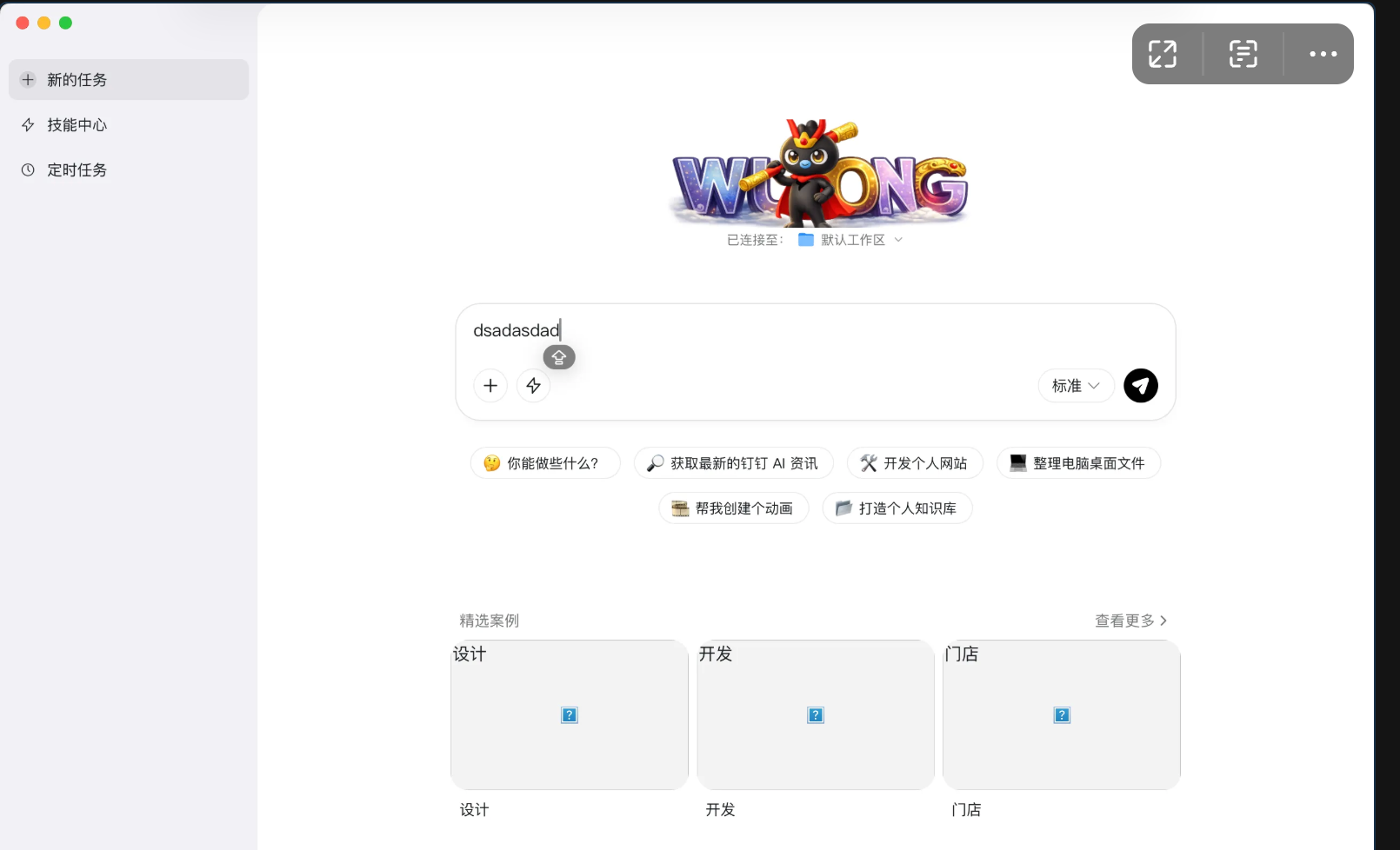
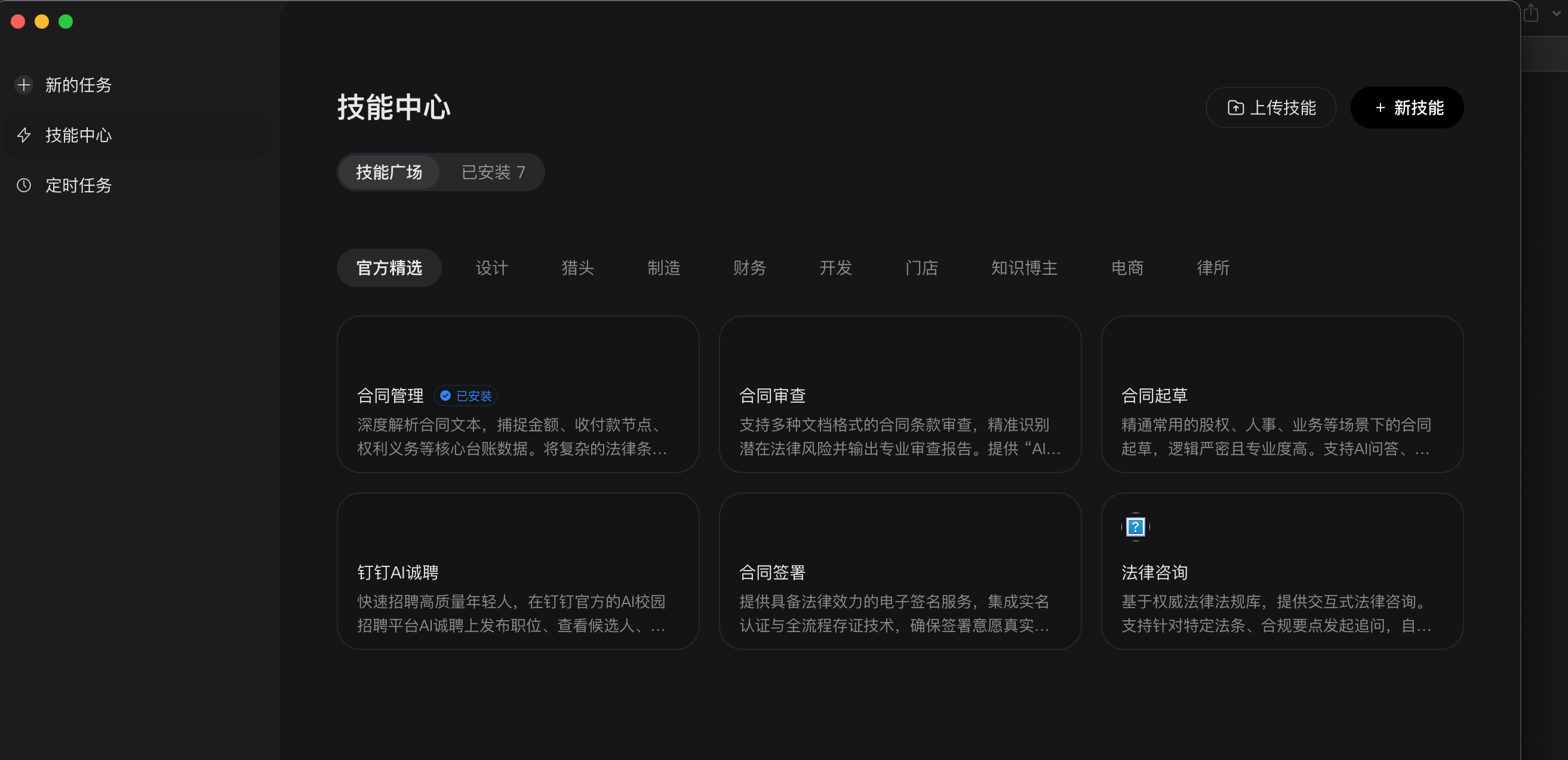
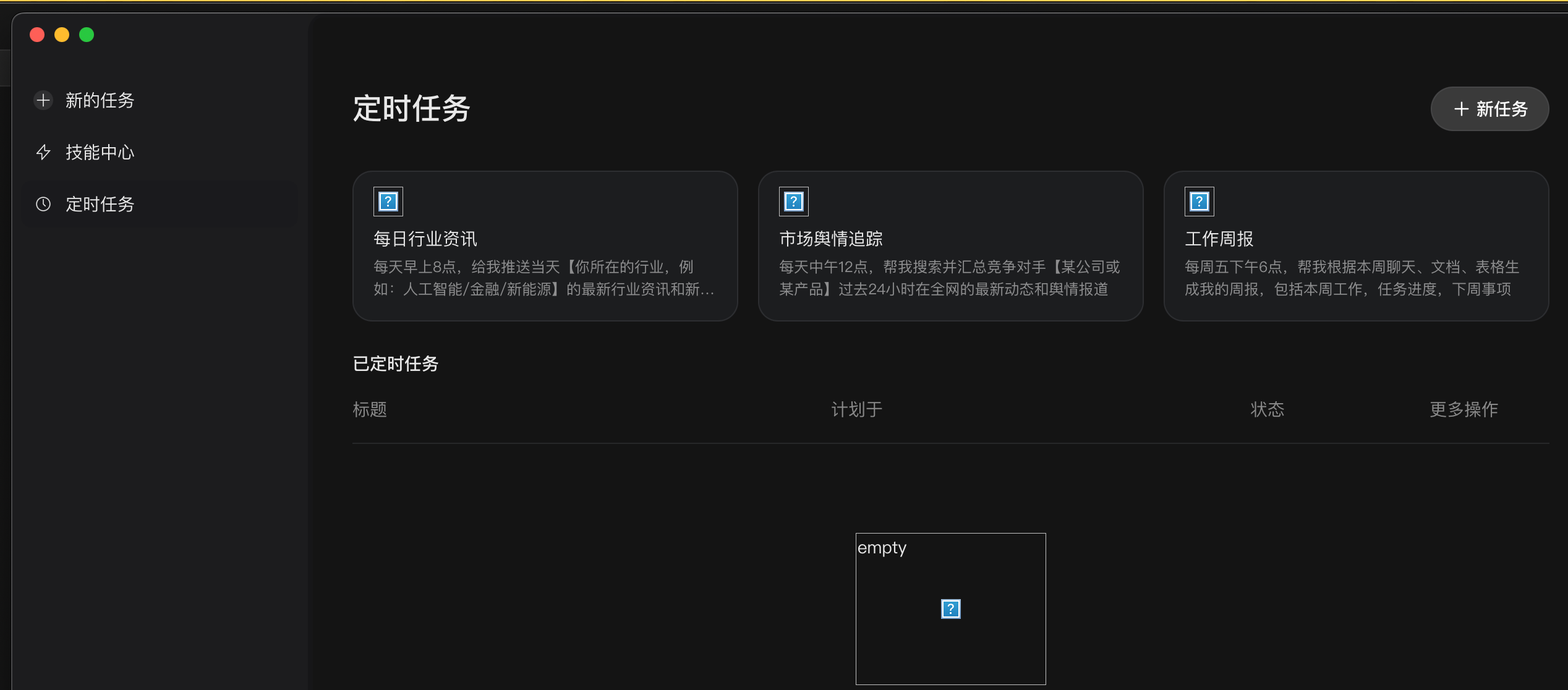
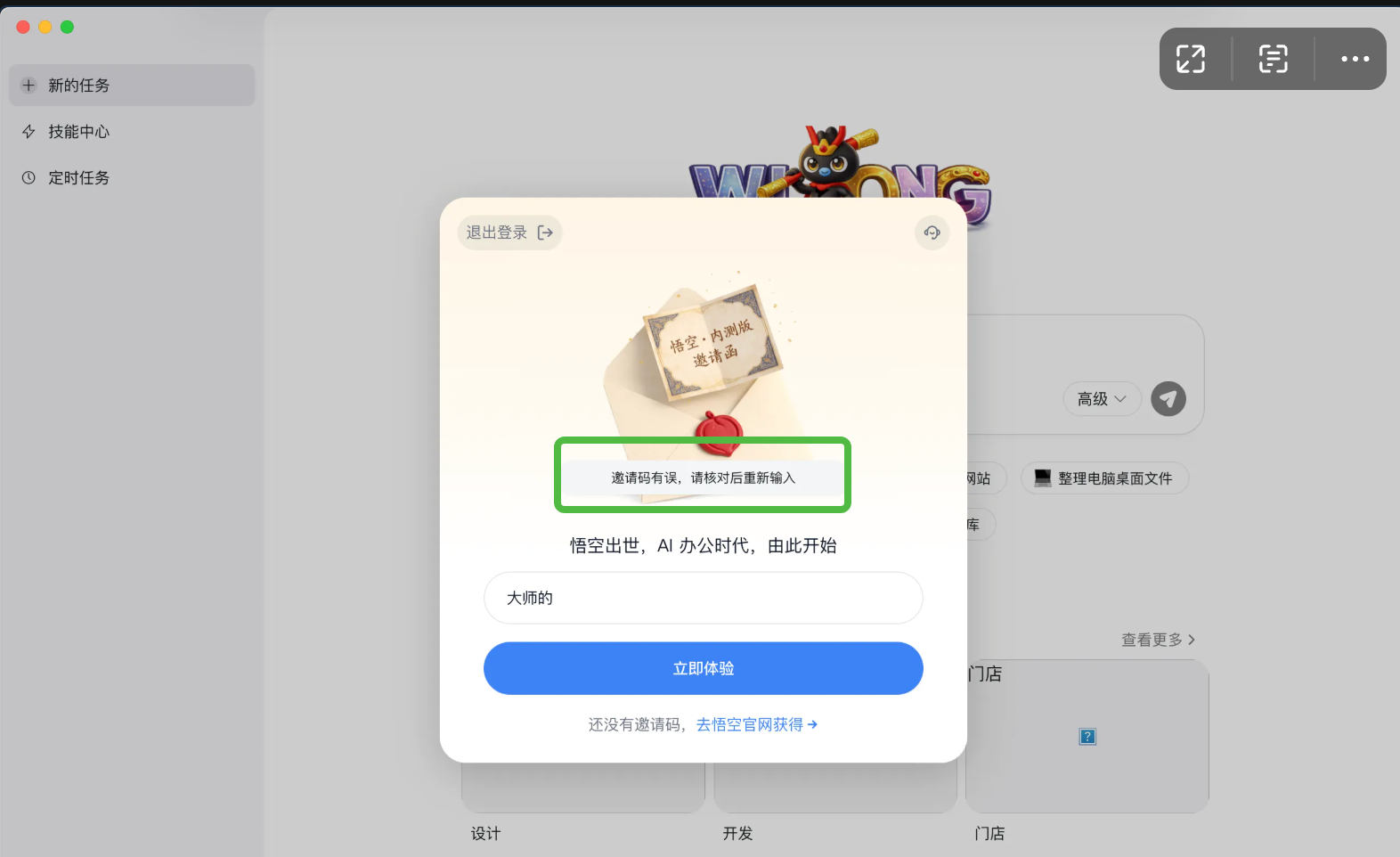
Got my hands on a beta app - Wukong. Opened it up — an invite code input box popped up.
Invite code?
I didn’t manage to get an invite code today…

Most people give up at this point.
My first reaction was: how is this thing implemented?
I didn’t expect this little investigation to burn through my entire Coding Plan Pro quota.
1. Initial Exploration
With a target to crack, the first step is figuring out its architecture.
file Wukong.app
# Mach-O ARM64 executable, 117MB
One run of strings filled the screen with Rust symbols — DingTalkReal::dingtalk_core::login, LoginModule, LoginPhase…
This is no ordinary app; it’s a Tauri 2.x app: Rust backend + web frontend (WKWebView).
The invite code validation could live in one of two places:
- Frontend — a pure JS check
- Backend — a Rust state machine
Tried tampering with localStorage — no use. The frontend assets aren’t even in Resources; they’re loaded dynamically over IPC.
The answer is in the backend.
2. Locating the Target
Listed the symbol table with nm and locked onto one function:
on_invite_code_validated
This is the “invite code validation” Tauri command. Its address is 0x1020376b4.
Finding the function alone isn’t enough — you also have to understand its logic.
I wasn’t familiar with ARM64 assembly before either — but that’s fine, you only need to find the few key lines:
1020376d0: ldr  x8, [x0, #0x180]    ; load the internal object pointer
1020376d4: mov  w9, #0x1              ; w9 = 1 (true)
1020376d8: stlurb w9, [x8, #0x10]   ; atomic store to the flag
This is the code that sets the “invite code validated” flag.
3. The Patching Approach
With the flag-setting code found, the approach becomes clear:
Simplify this function so it sets the flag and returns directly, skipping all validation logic.
Patch bytes:
08 c0 40 f9 29 00 80 52 09 01 01 19 c0 03 5f d6
Corresponding assembly:
ldr x8, [x0, #0x180]
mov w9, #1
stlurb w9, [x8, #0x10]
ret
But this is just one function. It later turned out several other functions also needed patching for a complete bypass — this is a multi-layer validation system:
| Function | Role |
|---|---|
on_invite_code_validated | Tauri command entry point |
LoginManager::on_invite_code_validated | Actually sets the flag |
is_agentbay_environment | AgentBay environment detection |
get_launch_mode | Launch mode |
4. In Practice: Command Line All the Way
No Hopper, no GUI. Command line all the way.
#!/bin/bash
BINARY="/Applications/Wukong.app/Contents/MacOS/DingTalkReal"

# Backup
cp "$BINARY" "DingTalkReal.backup"

# Patch 1: the Tauri command returns success directly
printf '\x00\x00\x80\x52\xc0\x03\x5f\xd6' | \
dd of="$BINARY" bs=1 seek=$((0x12eaa04)) conv=notrunc

# Patch 2: simplify the validation logic
printf '\x08\xc0\x40\xf9\x29\x00\x80\x52\x09\x01\x01\x19\xc0\x03\x5f\xd6\x1f\x20\x03\xd5\x1f\x20\x03\xd5\x1f\x20\x03\xd5\x1f\x20\x03\xd5' | \
dd of="$BINARY" bs=1 seek=$((0x20376b4)) conv=notrunc

# Sign — mandatory on macOS
codesign --sign - --force "$BINARY"
The core idea in one sentence: use printf to write bytes, dd to seek to the offset, and codesign to re-sign.
5. Pitfall Log
Pitfall 1: Offset Calculation
Given the virtual address 0x1020376b4, how do you convert it to a file offset?
The __TEXT segment of the Mach-O starts at 0x100000000, which maps to file offset 0. So:
file offset = virtual address - 0x100000000
But this only applies to the __TEXT segment. Different segments have different base addresses; check the segment table with otool -l.
Pitfall 2: All Addresses Change After an Upgrade
After the app updates, all function addresses change:
| Function | Old Offset | New Offset |
|---|---|---|
| on_invite_code_validated | 0x12eaa04 | 0x2b16c |
| LoginManager | 0x20376b4 | 0xfca10 |
Solution: relocate the functions with nm and recalculate the offsets.
Pitfall 3: macOS Code Signing
After patching, the app wouldn’t open — the code signature was broken.
codesign --remove-signature "$BINARY"
codesign --sign - --force "$BINARY"
6. Results and Reflections
The invite code validation was ultimately bypassed successfully.
But the interesting part is: bypassing the frontend is only the first step. The app does reach the main interface, yet the backend services (fetching the model list) remain unavailable — which means the real validation logic lives on the server side, and the invite code is used for account binding.
This experience taught me a few things:
First, the security boundary of Tauri apps — the core logic is in the backend; don’t blindly assume “bypassing the frontend equals cracking the app”.
Second, ARM64 reverse engineering isn’t as hard as it seems — read the manual more, get your hands dirty more.
Third, the power of command-line tools — nm + xxd + strings combined aren’t much worse than IDA.
Technical Appendix
Key tools: nm, xxd, strings, otool, codesign
Common ARM64 instructions:
| Instruction | Machine Code |
|---|---|
mov w0, #0 | 00 00 80 52 |
mov w0, #1 | 20 00 80 52 |
ret | c0 03 5f d6 |
Core finding: the invite code validation is implemented in a Rust state machine; the frontend is merely a presentation layer.
Final result: I can get in, but can’t do anything~~